
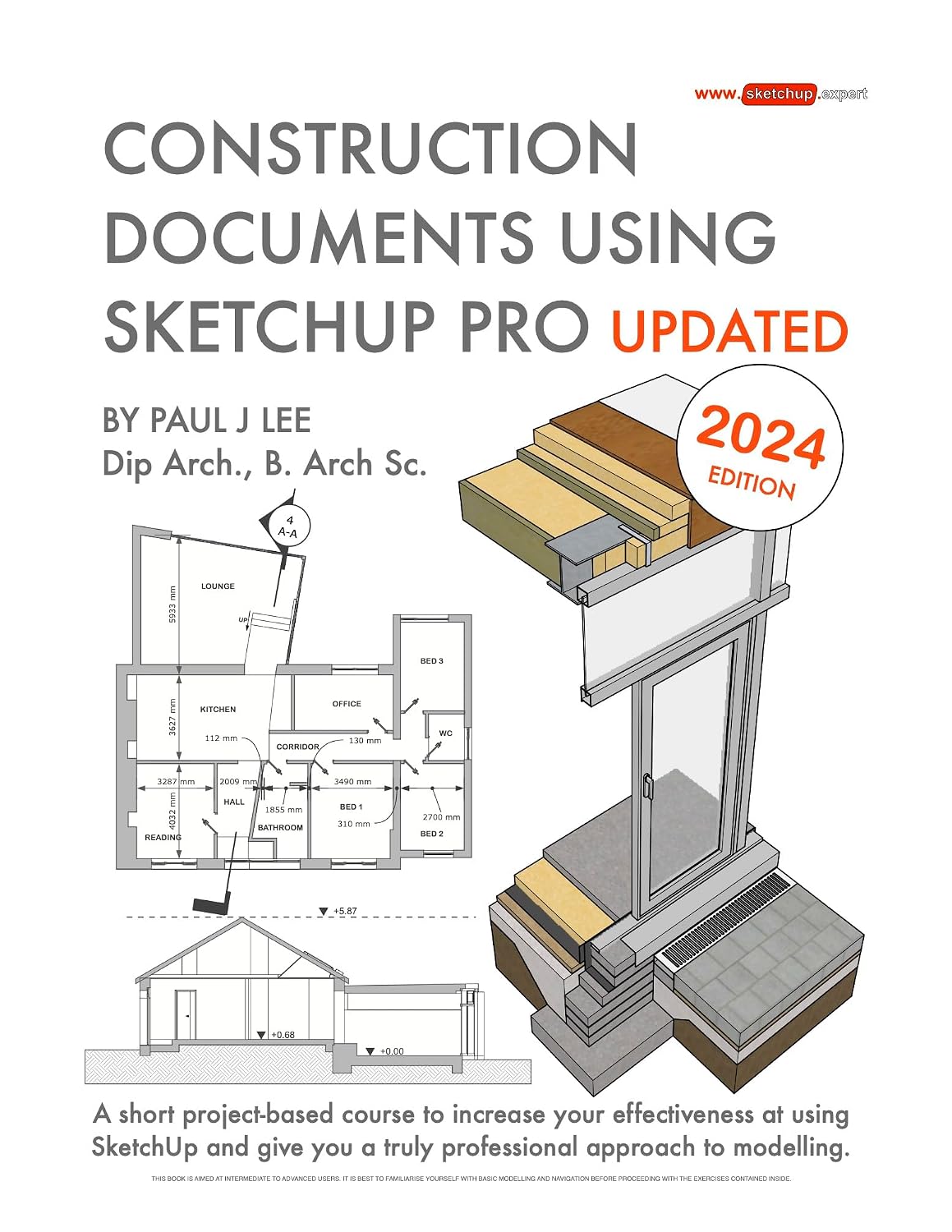
Construction Documents Using SketchUp Pro Updated: A short project-based course to increase your effectiveness at using SketchUp and give you a truly professional approach to modelling.
Product details
| Management number | 231993773 | Release Date | 2026/06/18 | List Price | US$12.05 | Model Number | 231993773 | ||
|---|---|---|---|---|---|---|---|---|---|
| Category | |||||||||
Construction Documents Using SketchUp Pro Updated (2024) is a detailed step-by-step guide to building a house model from scratch and creating finished construction documents. This super easy-to-follow course contains tips and tricks to export fully finished Plan/Sections/Elevations and Details. Each page explains in detail the steps to complete a task. This course was designed with busy architects and constructors in mind. It was formulated from years of experience using SketchUp in practise and also from teaching professionals from many different backgrounds. Written by an experienced architect who has used SketchUp to design and project-manage many types of jobs from dwellings to commercial office buildings to urban development, it has been shaped by extensive practise of design and build.Note: The previous version of this publication (2020) was given a 4.1 Star Rating on Amazon with 20 reviews:https://www.amazon.com/Construction-Documents-Using-SketchUp-2020/dp/1527256405This book contains some of the best professional workflows you'll find anywhere. SketchUp's tools and settings are best understood in the context of a "live" project. In this book, the chosen topic is a renovation-extension of an existing dwelling that was successfully completed by the author in 2011. The book clearly illustrates all the steps required to construct the walls, windows, doors and roofs in a professional manner using best-practise procedures. Groups and Components are structured in the simplest and most effective way to achieve beautifully presented construction documents. Each concept is clearly documented: Groups, Section Cuts, Styles, Scenes (Plans, Sections, Elevations), Tags (Layers), and Perspective Views.Tools are introduced in sequence as you move from task to task. The reader gets a comprehensive understanding of how each works in practise. Every page is set out using crystal clear graphics which link the itemised steps to their image (visual) reference. The SketchUp model is built in a way that mimics real-life construction process:Walls are set out in 2D.The floor slab is elevated.Walls are elevated.Windows and doors are placed inside the wall structure.Internal walls are constructedInternal doors are inserted.The roof is created complete with rooflights.Component Libraries are an essential part of SketchUp modelling.Learning how to name, create and manage Libraries boosts ability to rapidly populate models with doors, windows, tables, chairs, people and cars. Section Cuts enable you to slice through your model and create your plans and sections. To complete your SketchUp modelling session you learn how to manage materials and colours. SketchUp Pro's graphics interface- known as "LayOut" has some very useful new features. Learn how to choose and set up Title Blocks, insert SketchUp Model Scenes and create dimensions, text and graphics. This book also covers LayOut's 2D scaled drawing functionality.Scrapbook is a graphics library within LayOut which contains all kinds of pre-loaded and customised material. Scrapbook's drag-and-drop interface is a powerful means to quickly complete drawings and presentations.Each LayOut menu is explained in detail. The LayOut section of the book explains how to create a graphics library, along with recommended sizes for text, line weights and dimensions.Paul's five favourite shortcuts (keystrokes) reduce modelling time and significantly increase modeling performance. These are explained in detail. Creating your own bespoke shortcut keys is also covered. For those looking to upgrade their skills to the next level, this book is a must-read. Read more
| ASIN | B0CRSP88TT |
|---|---|
| XRay | Not Enabled |
| Format | Print Replica |
| ISBN13 | 978-1838397326 |
| Edition | 2nd |
| Language | English |
| File size | 162.1 MB |
| Page Flip | Not Enabled |
| Publisher | Viewsion Virtual Environments Ltd. |
| Word Wise | Not Enabled |
| Accessibility | Learn more |
| Publication date | January 7, 2024 |
| Enhanced typesetting | Not Enabled |
Bestseller ranking
Middle Eastern


Customers who viewed this product also viewed
Graphic Design

Correction of product information
If you notice any omissions or errors in the product information on this page, please use the correction request form below.
Correction Request Form